
Latest Version
Appenvision Ltd
Internet
iOS
Free
1452824281
Report a Problem
More About WIFI & Internet Speed Test
Testing Your Connection with WIFI & Internet Speed Test
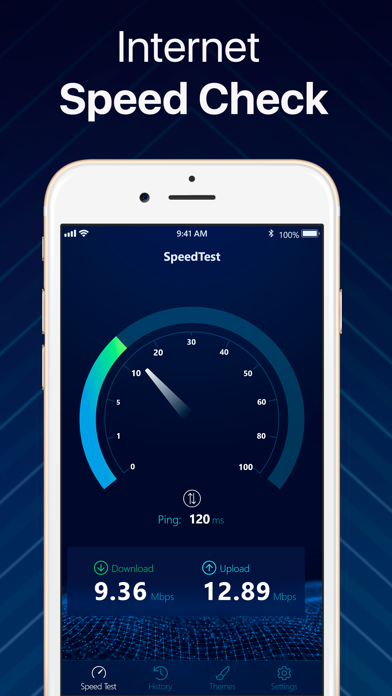
Imagine trying to stream your favorite show or join an urgent video conference, only to be met with constant buffering. Instead of guessing what is wrong with your connection, having a dedicated diagnostic tool can pinpoint the issue instantly. The WIFI & Internet Speed Test app by Appenvision Ltd offers iOS users a streamlined, professional-grade utility to evaluate network performance in real time.
Rather than relying on complicated setups, this application simplifies the diagnostic process. With a single tap, it initiates a comprehensive analysis of your current network, whether you are on a home Wi-Fi network or utilizing cellular data like 3G, 4G, or LTE. Within 30 seconds, you receive highly accurate metrics regarding your connection's health.
Key Performance Metrics and Features
The WIFI & Internet Speed Test app stands out by delivering detailed, visual data that goes beyond basic numbers. Here is what you can expect when analyzing your network:
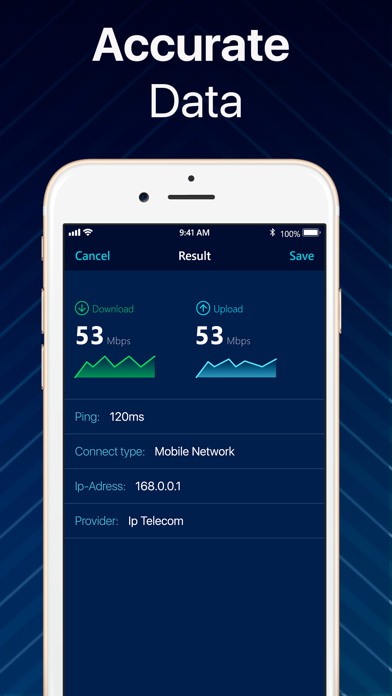
- Three-Way Diagnostics: Instantly check your download speed, upload speed, and ping latency to understand your network's overall responsiveness.
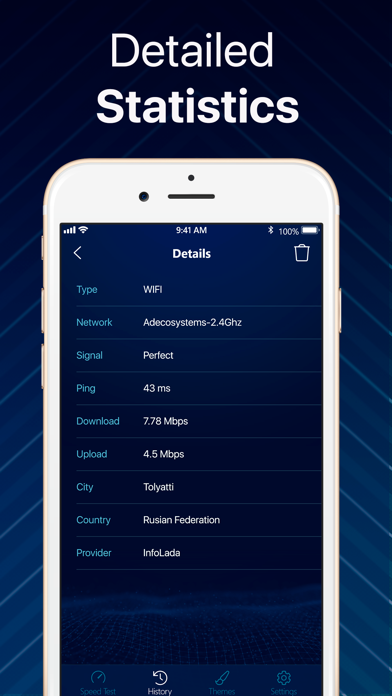
- Real-Time Visualization: View interactive connection grade graphs, download and upload charts, and compare your current performance against your ISP's average speed.
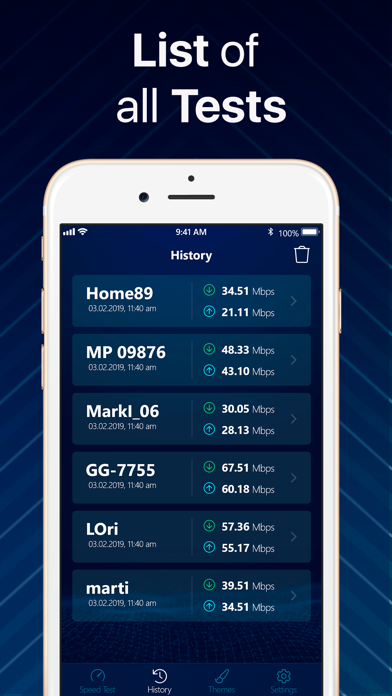
- Historical Tracking: Keep a detailed log of past diagnostic tests to monitor network consistency and track trends over time.
- Data Usage Monitor: Keep an eye on your consumption patterns to ensure you remain within your cellular data limits.
- Simple Sharing: Export and share your connection results easily, which is incredibly useful when troubleshooting issues with your internet service provider's support team.
Is This Network Utility Right for You?
Whether you are a remote professional needing a stable connection for daily meetings, a mobile gamer tracking your ping, or simply someone trying to find the best Wi-Fi spot in your house, this app provides the necessary clarity. It eliminates the guesswork of network diagnostics by presenting complex technical data in clean, easy-to-read charts.
While the core speed testing features are highly accessible, users looking for an ad-free experience, unlimited diagnostic runs, and custom premium themes can explore the available weekly, monthly, or annual subscription tiers, which also include a convenient three-day trial period.
Get Started Today
If you are ready to take control of your network diagnostics and get real-time clarity on your connection quality, we highly recommend checking out this utility. You can find the official listing and download options directly on the Apple App Store.
Rate the App
User Reviews













Popular Apps








Editor's Choice