
Latest Version
NCH Software
Media
Windows
Free
9p0kqx1z0wm2
Report a Problem
More About WavePad Audio Editor Software Express Edition
The Challenge of Quick, Professional Audio Editing
Whether you are trying to clean up a voice recording, slice a voiceover for a podcast, or digitize old audio tracks, finding the right software can be frustrating. Many tools are either too basic for precise work or so complex they require a degree in sound engineering. WavePad Audio Editor Software Express Edition by NCH Software solves this dilemma by offering a robust, feature-rich environment on Windows that remains highly accessible to everyday users.
What is WavePad Audio Editor Software Express Edition?
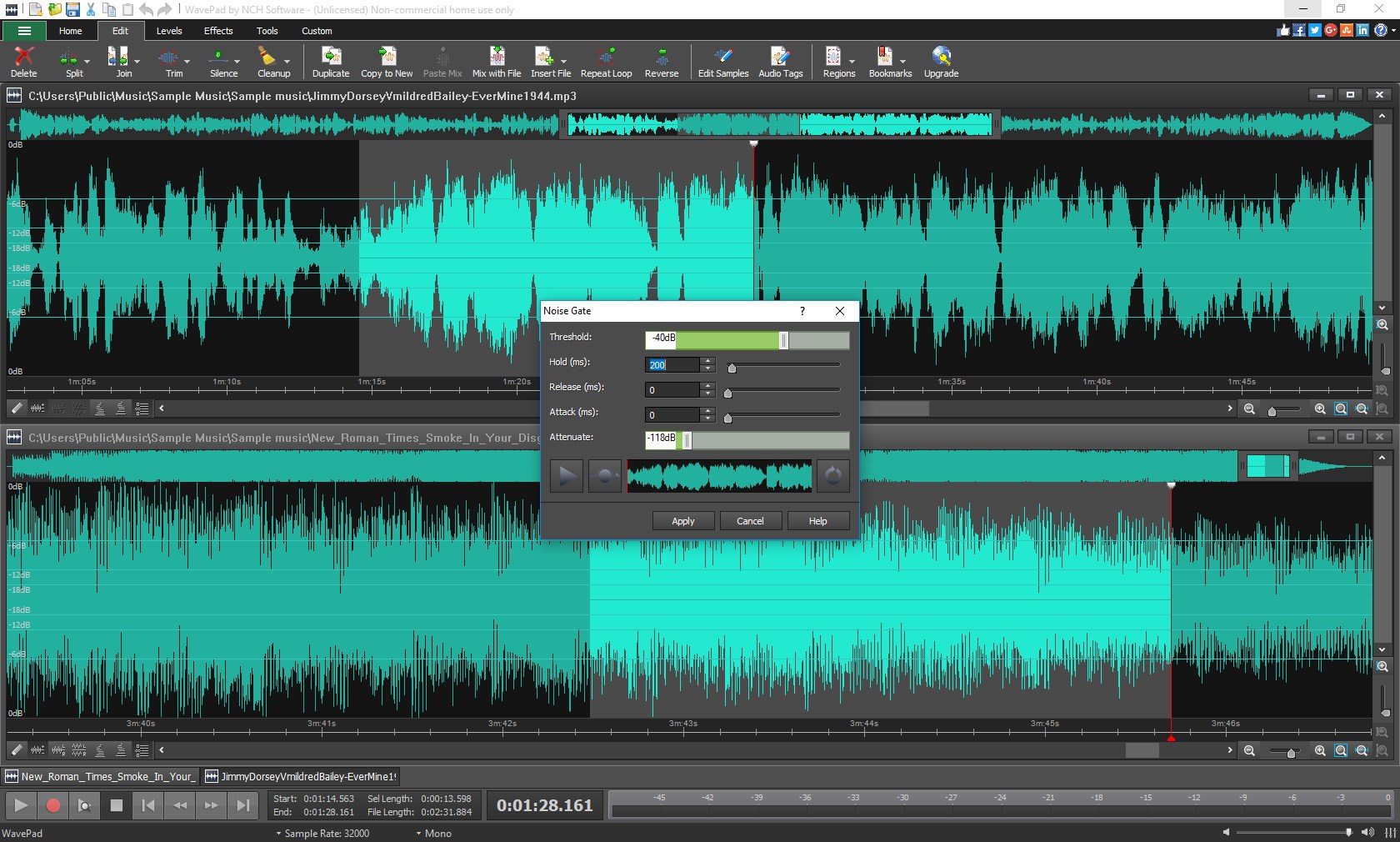
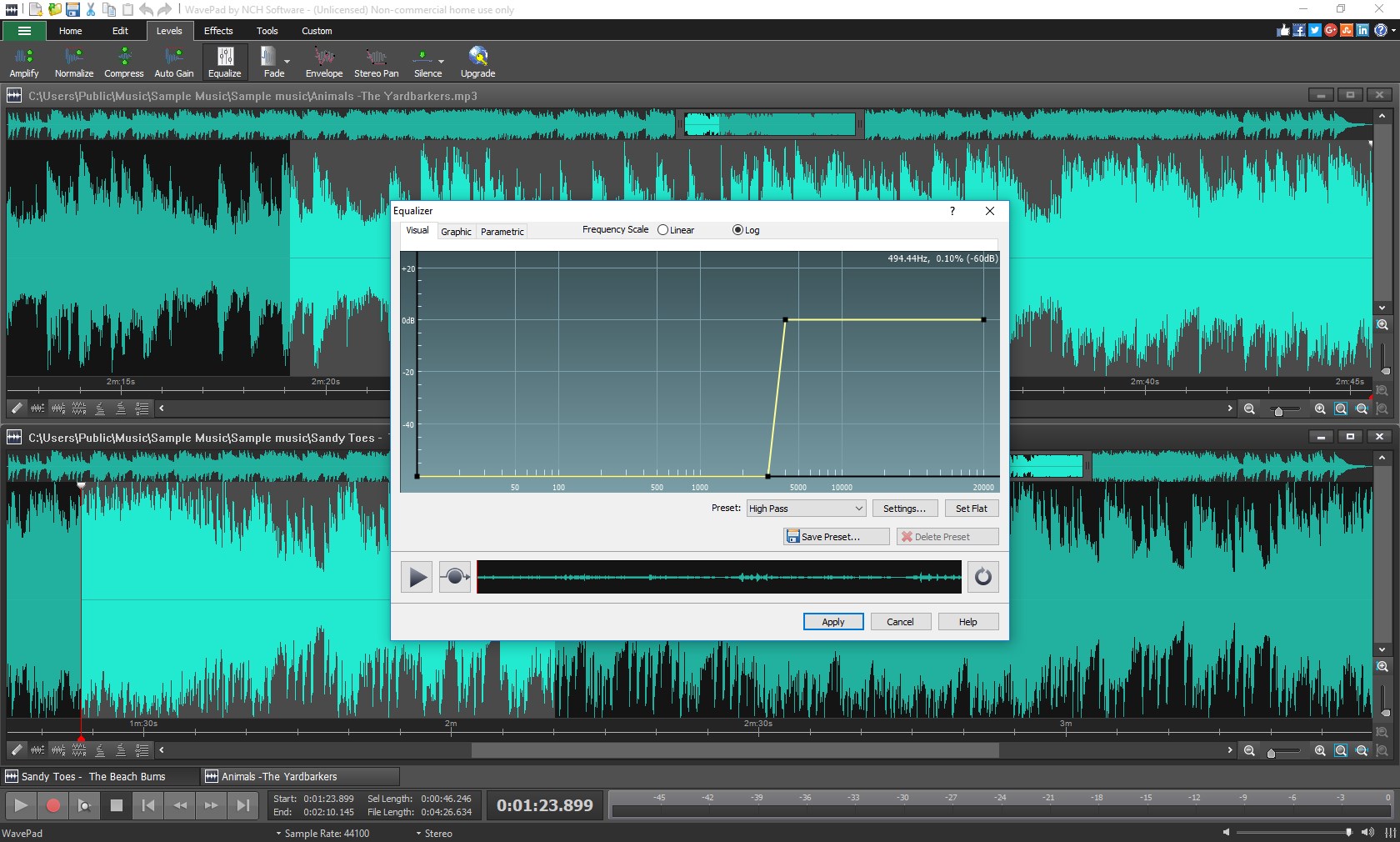
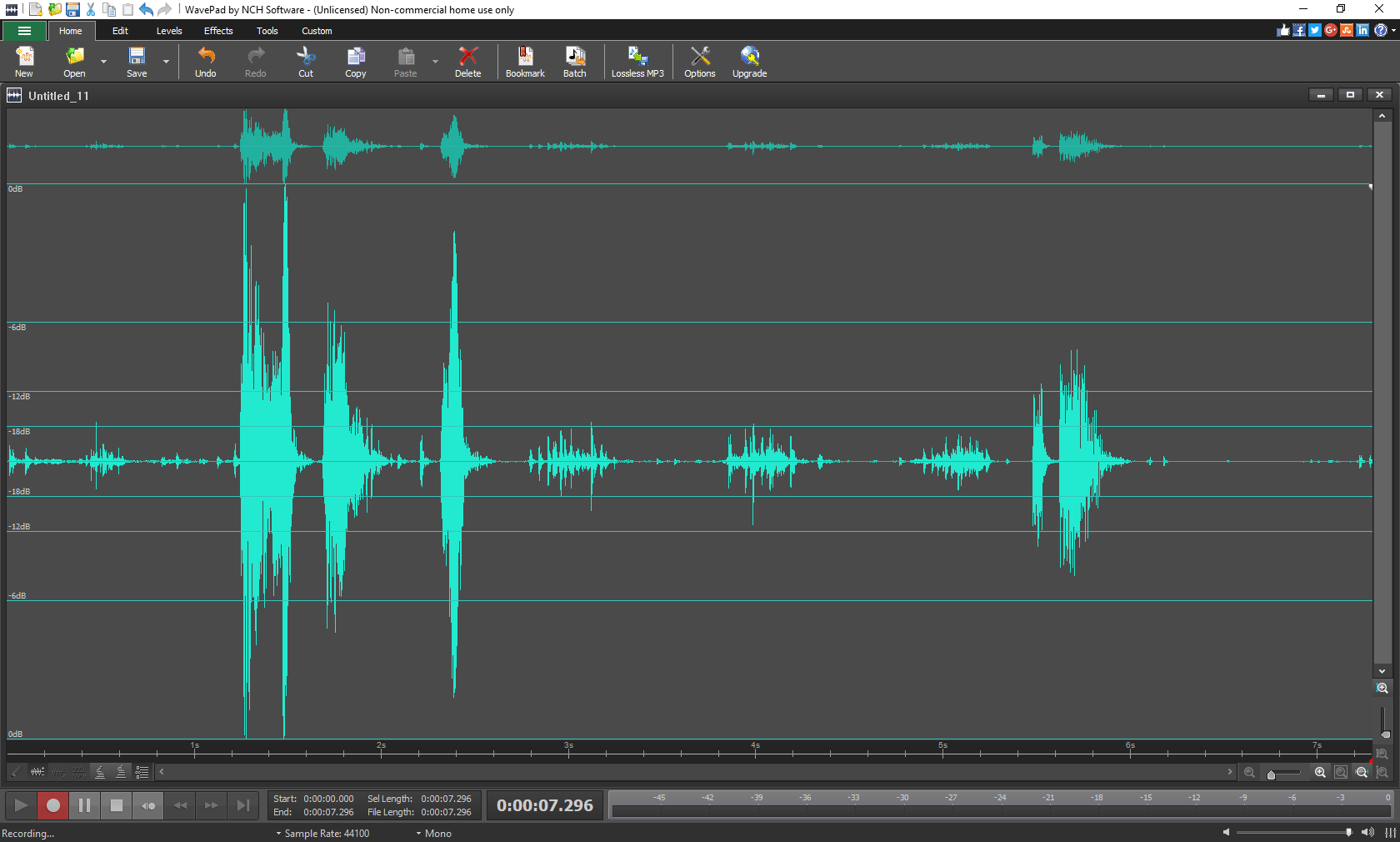
This application is a versatile desktop audio workstation designed for rapid editing. It allows users to record sound directly into the interface or import existing files via a simple drag-and-drop mechanism. Once loaded, you can manipulate your audio on a visual timeline with surgical precision, applying professional-grade effects and filters without a steep learning curve.
Standout Features and Tools
- Extensive Format Support: The software allows you to import and export using more than 15 diverse audio formats, making it highly compatible with various hardware and media players.
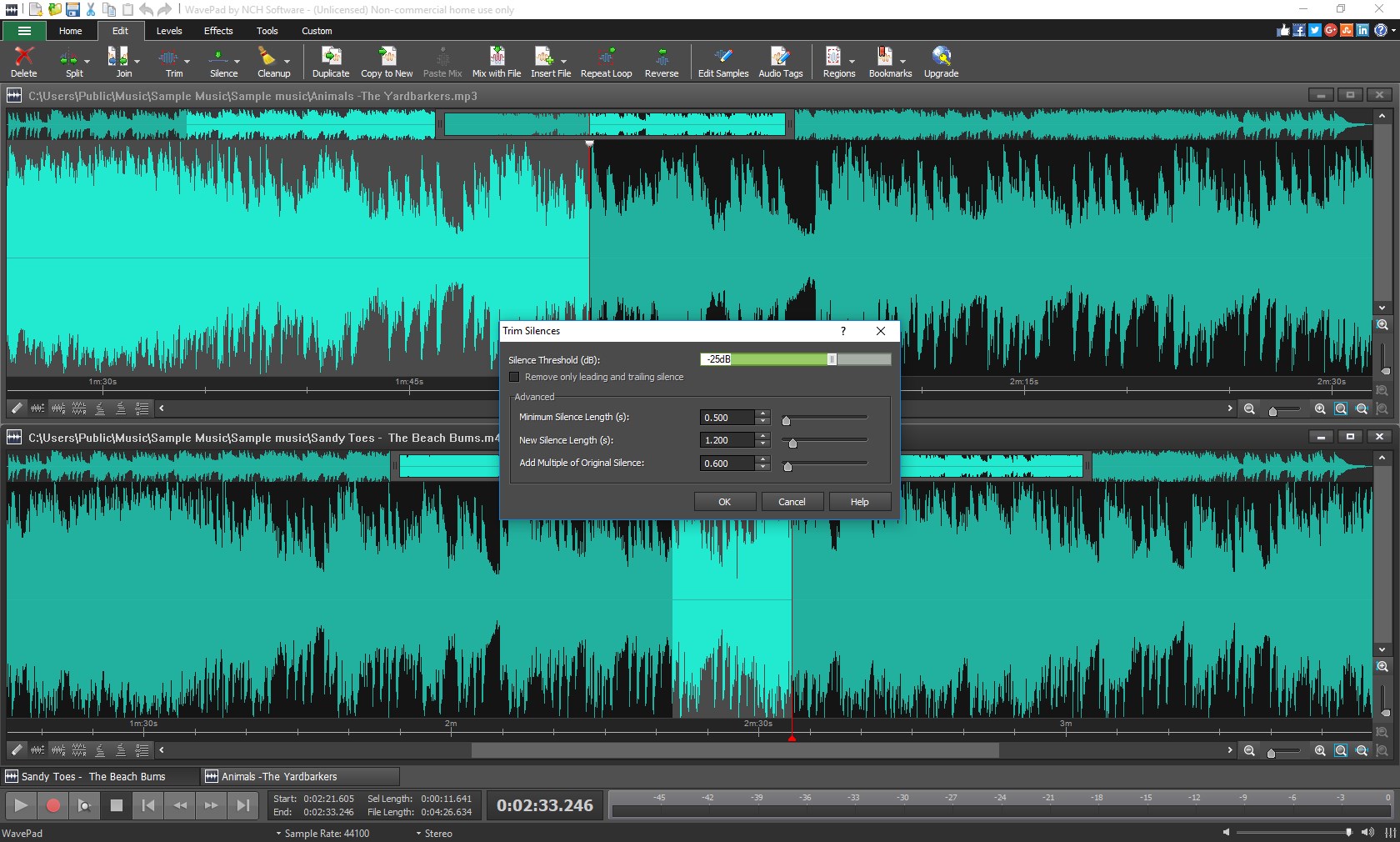
- Precision Editing Tools: Perform music cutting, trimming, splitting, joining, and auto-trimming in seconds. Advanced adjustments like pitch shifting and silence insertion are also readily available.
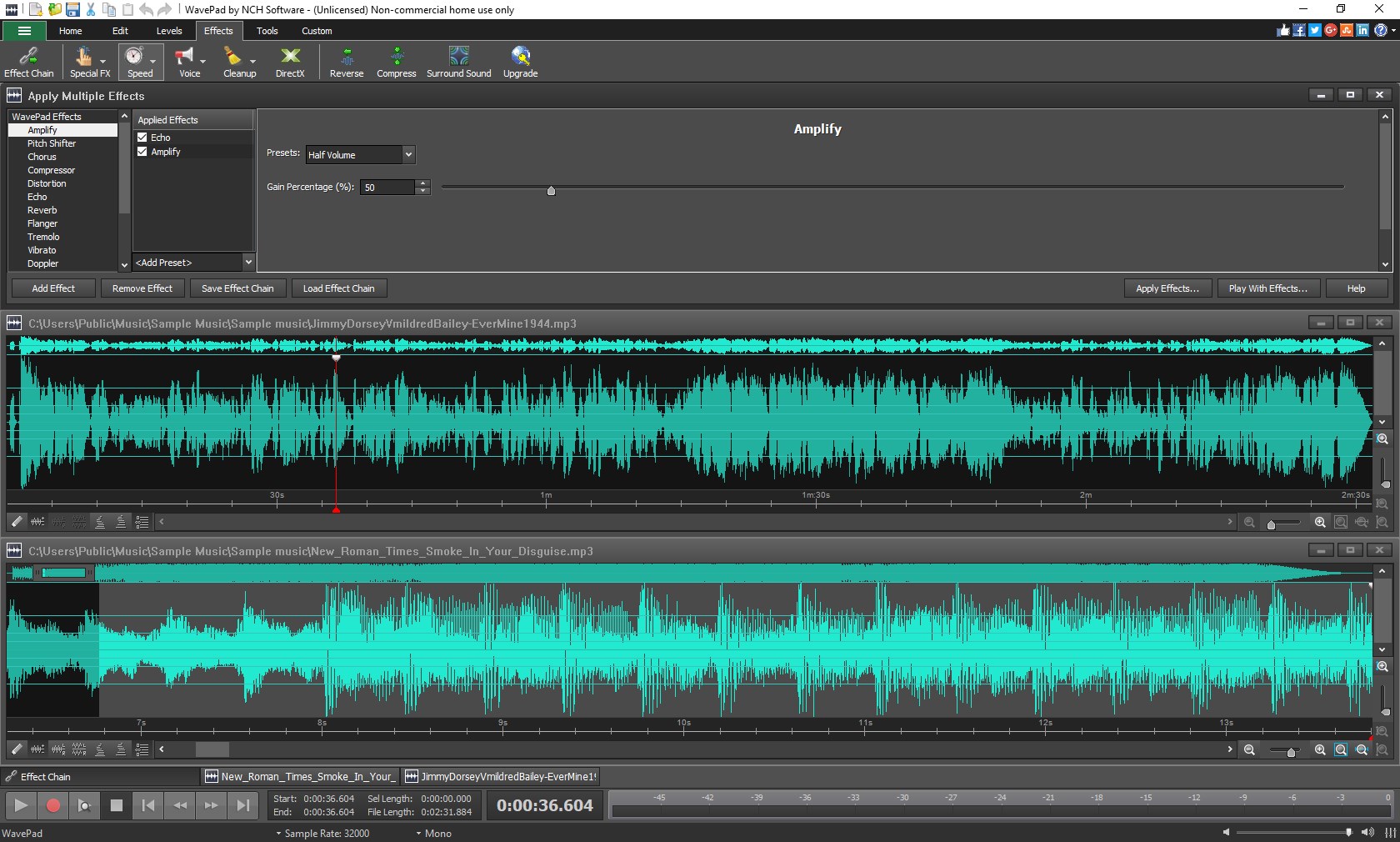
- Creative & Technical Effects: Apply standard clean-up tools like noise reduction alongside creative effects including flanger, vibrato, and wah-wah.
- Advanced Analysis: Utilize the integrated FFT Sound Analyzer to evaluate the spectral content of your audio files visually.
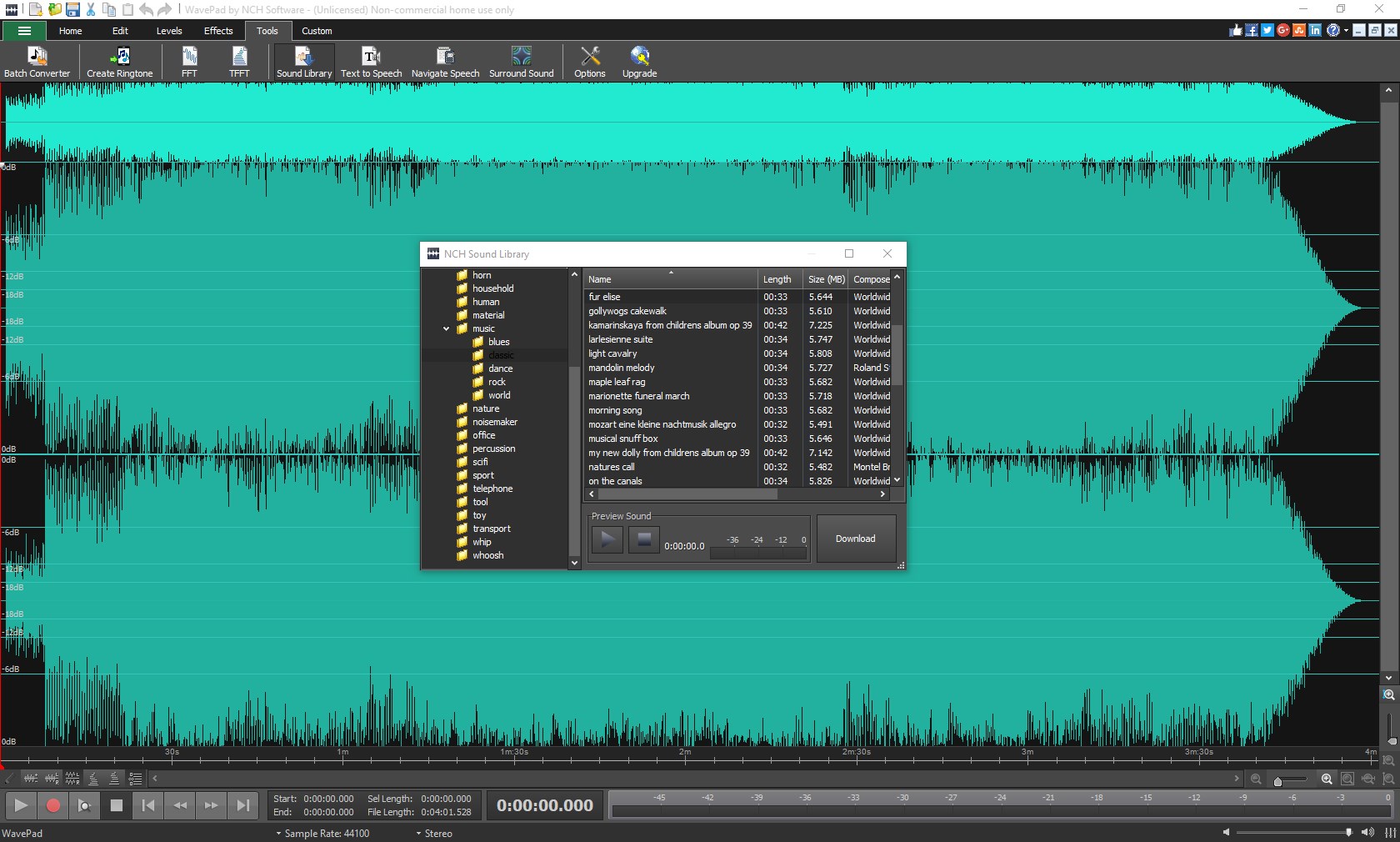
- Text-to-Speech: Convert written text into spoken audio files directly inside the workspace.
- Video Audio Extraction: Easily pull the soundtrack or voiceover directly from your video files for dedicated editing.
Efficiency for Power Users
For those managing large libraries of files, the batch processing feature in WavePad Audio Editor Software Express Edition is an absolute lifesaver. You can apply effects or export multiple clips simultaneously, saving hours of manual labor. Additionally, support for sample rates from 6 to 192kHz (mono or stereo, up to 32-bit depth) ensures that high-fidelity projects retain their pristine quality throughout the editing pipeline.
Is It Right for You?
If you need a dependable, fast, and feature-packed tool on Windows to handle everything from simple ringtone creation to detailed spectral analysis, this application is an excellent choice. Note that while the software is free to download, it includes select trial features that require a purchase after a limited trial period to continue using them within the app.
To experience this powerful editor for yourself, head over to the official Microsoft Store page to download WavePad Audio Editor Software Express Edition and start elevating your audio projects today.
Rate the App
User Reviews







Popular Apps








Editor's Choice